


Download videos from anywhere
Paste any video link — YouTube, TikTok, Instagram, Facebook and 1000+ more. No login. No app. Free.


Scanned by

NortonTM Safe Web
Supported websites
Paste a link from any of these, and 1000+ more sites. No need to pick a platform, one page does it all.
Free Online Video Downloader
Download Videos Easily with VidSnap
VidSnap downloads online videos and music for you. Millions of people use it to save media from popular platforms, and there's no software to install. It runs in the browser on both desktop computers and mobile devices, and the interface keeps the whole download simple.
Whether you want YouTube videos, shows, or sports highlights, VidSnap gets the job done. Copy the video URL, paste it into the download field, and click the download button.
Download High-Quality MP4 Videos
A saved video gives you more control than streaming does. The VidSnap video downloader keeps the original quality, so your MP4 downloads match the source resolution.
Build your own video collection knowing each download keeps its high-definition quality. Your saved MP4 files look the same as they do online. That's handy for travel, places with limited internet, or anytime you want your videos ready to watch.
Complete Guide to Downloading High-Quality MP4 Videos Online
-
1
Copy the video link
Open the video on YouTube, TikTok, Instagram, Facebook or any other site and copy its link.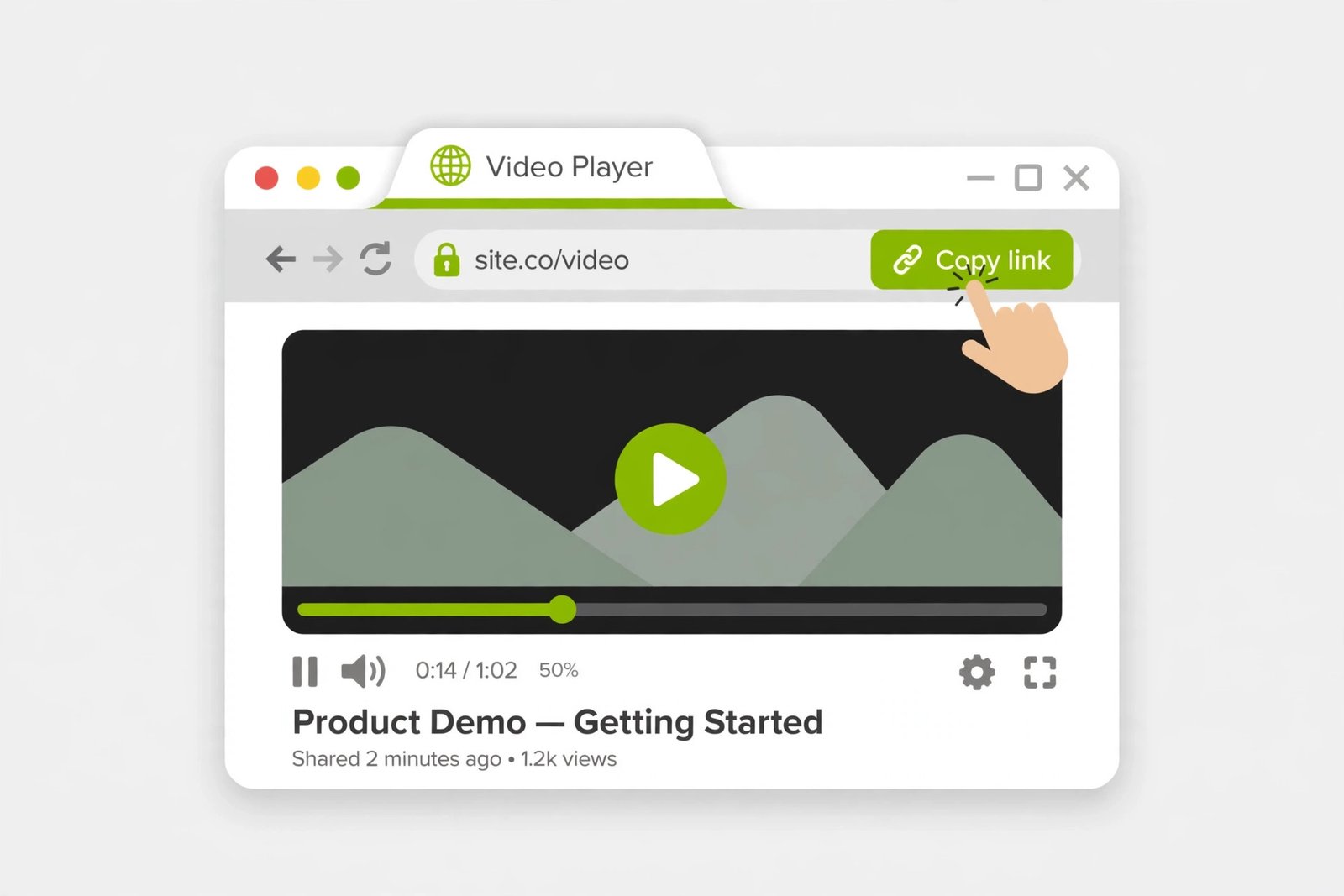
-
2
Paste it above and hit Download
Paste the link into the box at the top of this page and press the green arrow. No login, no app to install.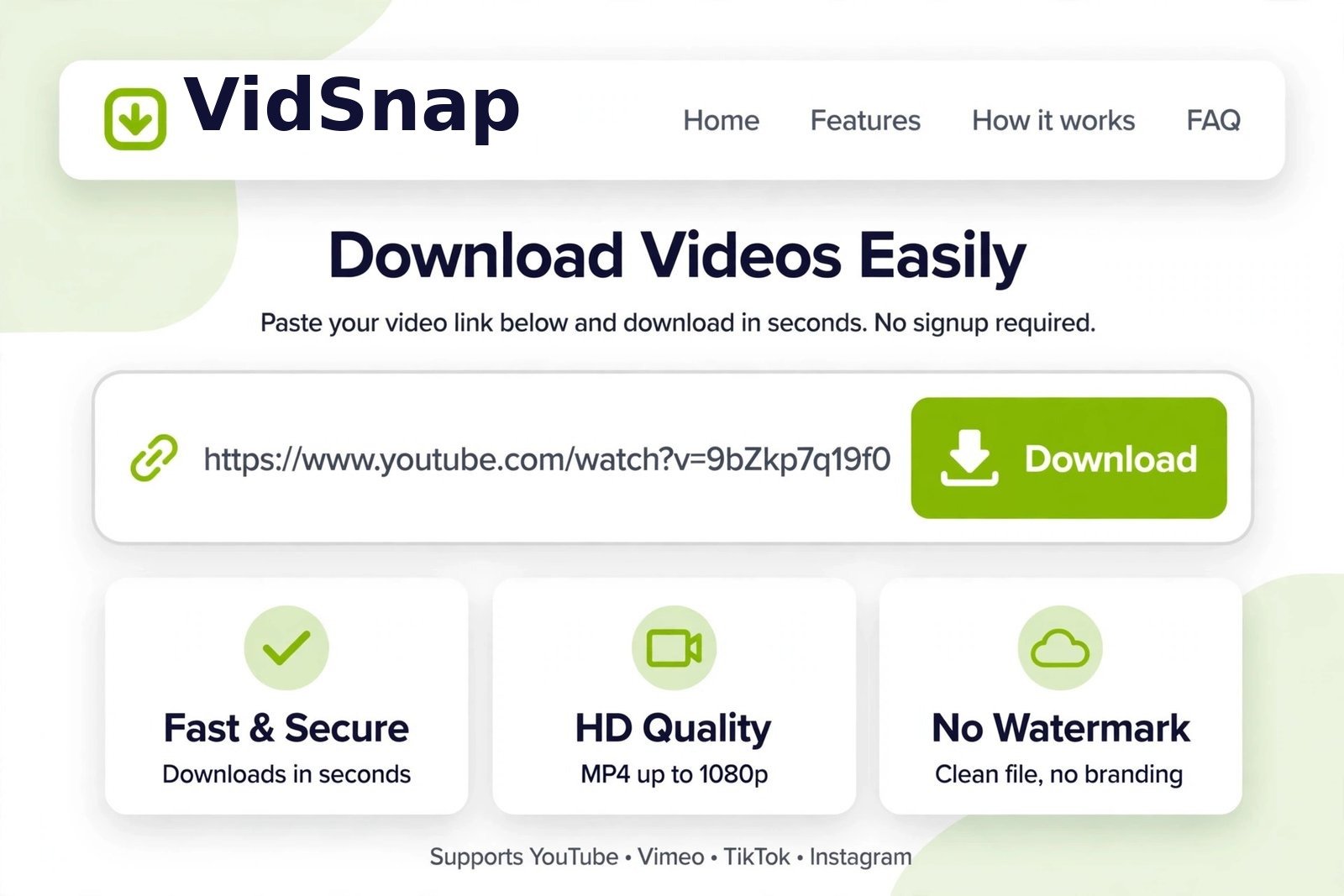
-
3
Pick a quality and save it
Choose your video quality, or MP3 for audio only, and the file downloads straight to your device. Your download stays in “Your downloads” for 24 hours.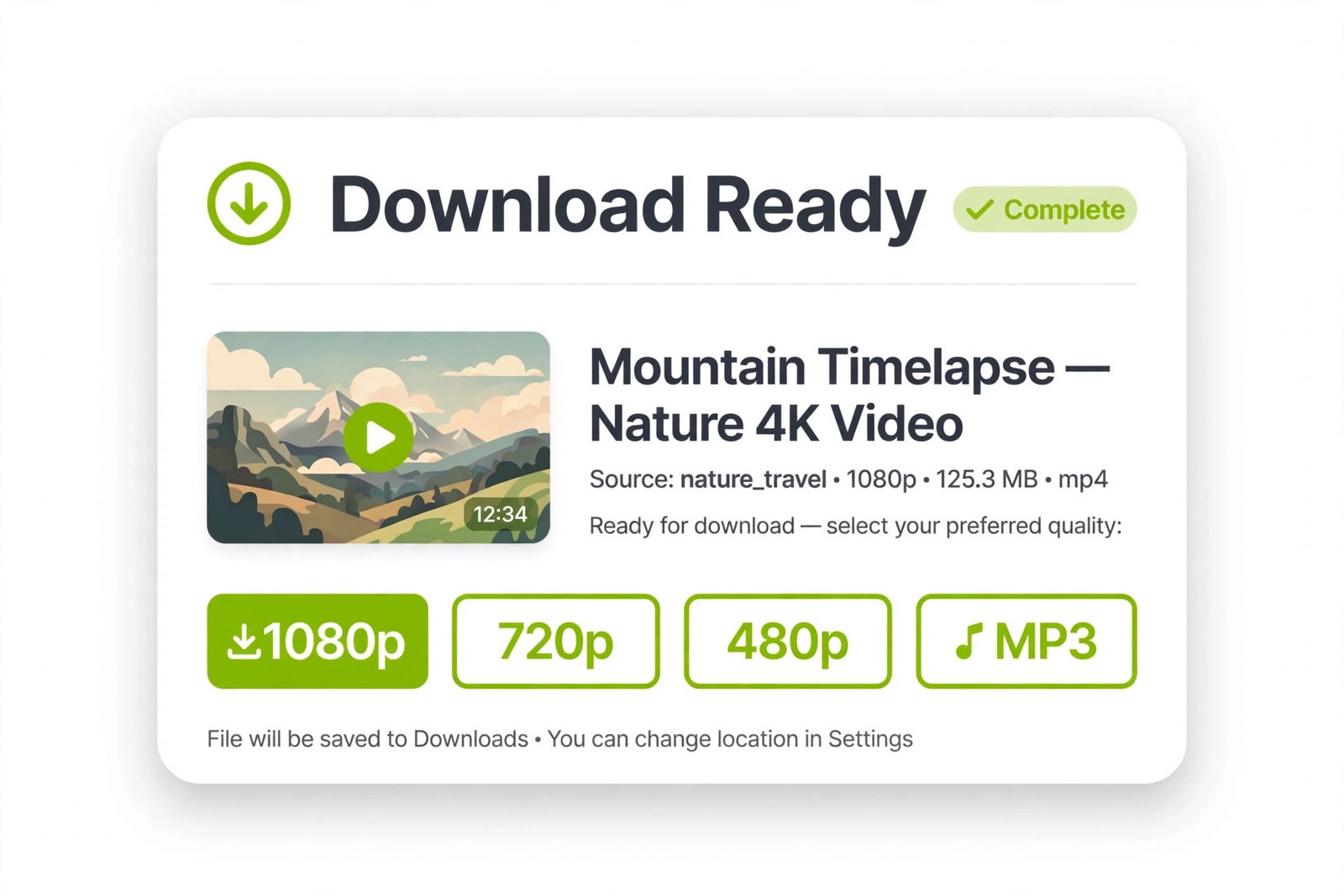
Download Videos in Any Resolution - From SD to Crisp 4K
Get videos in the best quality available. The downloader supports a range of resolutions, from standard definition (SD) up to 4K. It pulls the original quality straight from the source, so when a creator uploads in 1080p HD, you download it at the same 1080p HD. Watch your saved videos offline with their original quality intact.
Download Videos on Any Browser
The video downloader works on every major web browser. Chrome, Firefox, Safari, Opera, or other Chromium-based browsers all save videos the same way, quickly and reliably, whichever one you use day to day.
Frequently Asked Questions
How can I download videos from any website?
VidSnap is a free online video downloader that works with hundreds of popular websites, including YouTube, Facebook, Instagram, TikTok, and many others. To download a video, copy the video URL from the page and paste it into the search field on our homepage. The service will instantly generate available download options so you can save the video to your computer, tablet, or smartphone.
How can I download videos via a URL?
To download a video using a URL, simply copy the direct link from any supported platform such as YouTube, Vimeo, or Dailymotion. Paste the link into the download field on the VidSnap homepage and wait a few seconds while the system processes the file. You can then choose your preferred format and quality, including MP4 or WebM, with options such as HD, Full HD, or 4K when available. Click the download button to save the video file directly to your device.
Do I need to install anything to use VidSnap?
No. VidSnap works entirely in your browser, so there is nothing to install. It runs on Chrome, Firefox, Safari, Edge, and Opera, on desktop and on mobile. Just open this page, paste a video link, and download. Your downloads are prepared on our server and stay available in “Your downloads” for 24 hours.
What is the best all-in-one video downloader?
VidSnap is an all-in-one online video downloader that supports more than 40 websites, including YouTube, TikTok, Facebook, Instagram, Twitter, Vimeo, and Dailymotion. The tool runs directly in your browser, so there is no need to install additional software. You can download videos in multiple formats such as MP4 or WebM and choose from a range of quality options, from 144p up to 4K resolution when provided by the original source. You can also save audio-only MP3 when you only want the sound. The platform is focused specifically on video downloads, making it a dedicated solution for saving online videos from various websites.