


TikTok Video Downloader
Paste any TikTok video link and download it free in HD MP4 or MP3. No login. No app.


Scanned by

NortonTM Safe Web
Supported websites
Paste a link from any of these, and 1000+ more sites. No need to pick a platform, one page does it all.
Download TikTok Videos Free with VidSnap
VidSnap is a free TikTok video downloader that works right in your browser. Copy the link of any public TikTok video, paste it above, and download it in HD MP4 — or save just the sound as MP3. No app to install, no account to create.
Your download is prepared on our server and stays available in “Your downloads” for 24 hours. You can save TikTok videos to watch offline, keep a favourite clip, or reuse the audio.
Download High-Quality MP4 Videos
A saved video gives you more control than streaming does. The VidSnap video downloader keeps the original quality, so your MP4 downloads match the source resolution.
Build your own video collection knowing each download keeps its high-definition quality. Your saved MP4 files look the same as they do online. That's handy for travel, places with limited internet, or anytime you want your videos ready to watch.
Complete Guide to Downloading High-Quality MP4 Videos Online
-
1
Copy the video link
Open the video on TikTok and copy its link.
-
2
Paste it above and hit Download
Paste the link into the box at the top of this page and press the green arrow. No login, no app to install.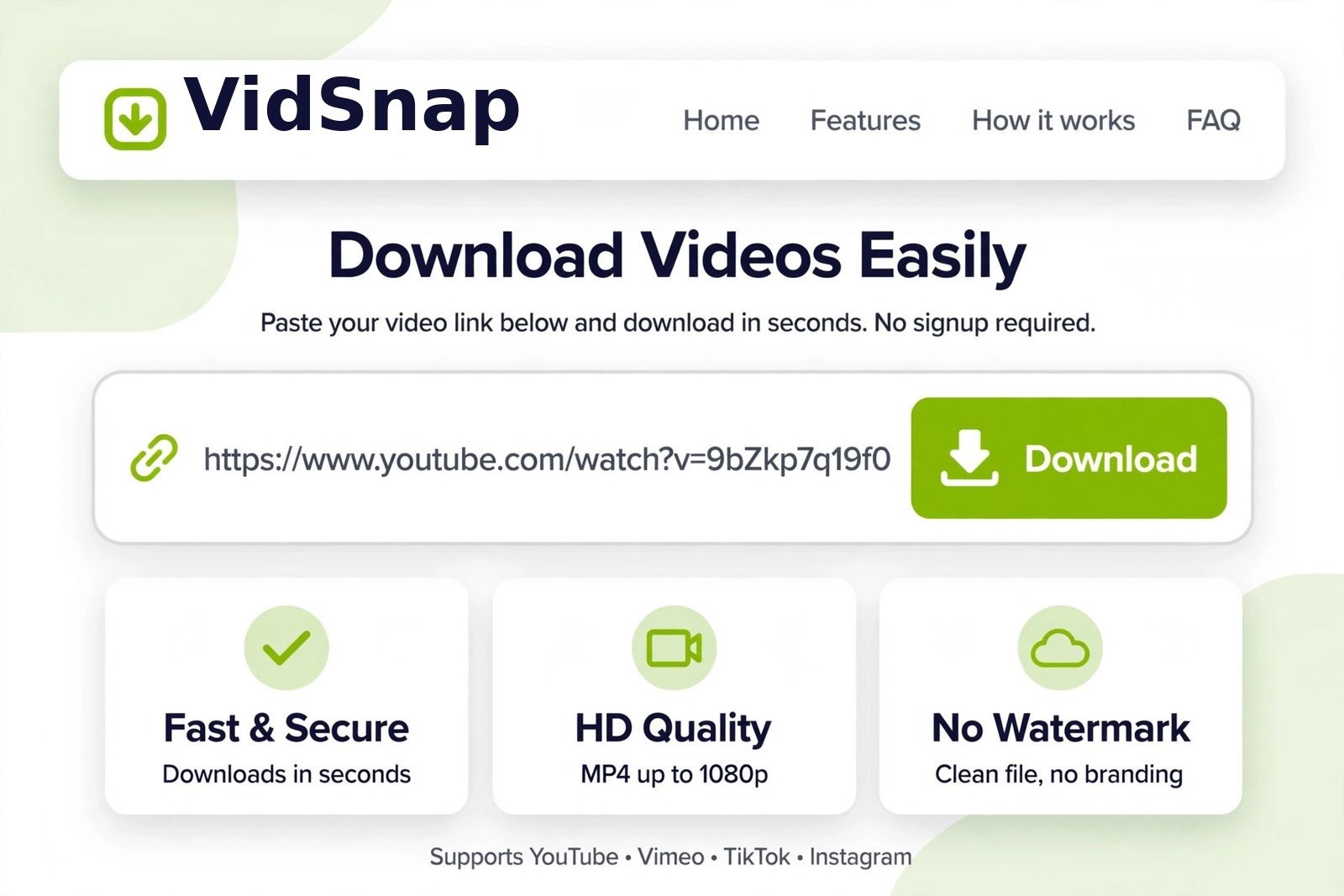
-
3
Pick a quality and save it
Choose your video quality, or MP3 for audio only, and the file downloads straight to your device. Your download stays in “Your downloads” for 24 hours.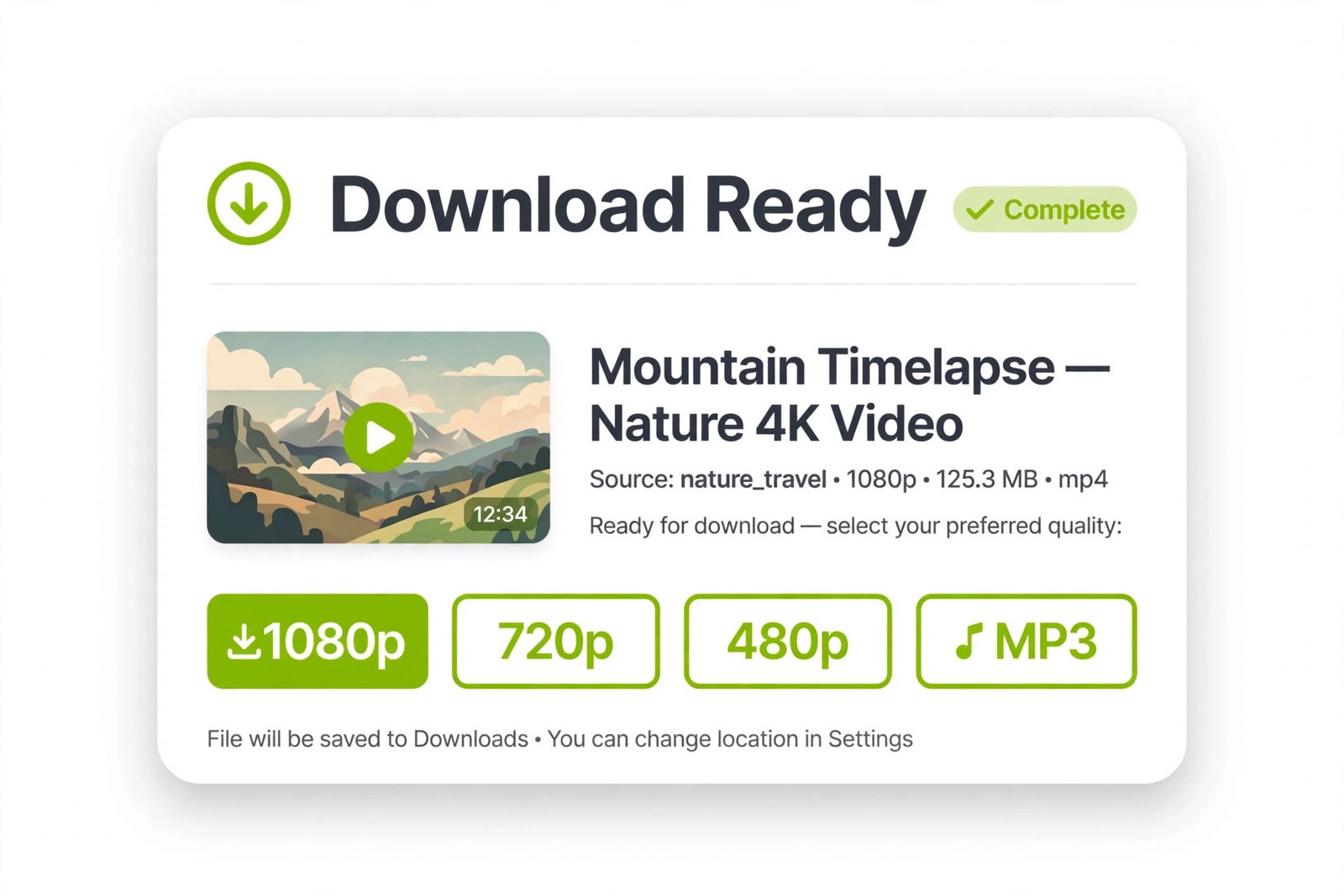
Download Videos in Any Resolution - From SD to Crisp 4K
Get videos in the best quality available. The downloader supports a range of resolutions, from standard definition (SD) up to 4K. It pulls the original quality straight from the source, so when a creator uploads in 1080p HD, you download it at the same 1080p HD. Watch your saved videos offline with their original quality intact.

Download Videos on Any Browser
The video downloader works on every major web browser. Chrome, Firefox, Safari, Opera, or other Chromium-based browsers all save videos the same way, quickly and reliably, whichever one you use day to day.

Frequently Asked Questions
How do I download a TikTok video?
Open the TikTok video, tap Share, then Copy link. Paste the link into the box above and press Download. Choose a quality or MP3 for audio only, then save the file.
Can I download TikTok videos without a watermark?
VidSnap downloads the video file itself, so the saved video has no added watermark. The result depends on the original video.
Do I need the TikTok app or an account?
No. You only need the video link. VidSnap works in your browser without the TikTok app and without signing in anywhere.
Can I save only the sound from a TikTok video?
Yes. After pasting the link, choose the MP3 Audio button to save just the sound as an MP3 file.